



- A software requirements specification defines exactly what your product must do before anyone builds it.
- IEEE 830 is superseded, and ISO/IEC/IEEE 29148:2018 is the standard your SRS should follow now.
- Requirements are split into four types: business, user, functional, and non-functional, and each is written differently.
- A requirement that can’t be tested isn’t a requirement; it’s a preference dressed up as one.
- BRD says why, SRS says what, and FRD says how the system behaves in detail.
- Most project overruns trace back to the SRS, not to the engineering that followed it.
The system should be fast.” That sentence has caused more arguments than any other line we’ve read in a requirements document. Fast to whom? Under what load? Two seconds or two hundred milliseconds? Nobody agreed, so everybody assumed, and the disagreement surfaced during user testing when it was expensive.
A software requirements specification, or SRS, is the document that stops this. It sets out what your software must do, how it must behave, and how you’ll know it worked, in language precise enough to build and test against.
This guide gives you the whole thing, from how we run discovery as a software development company. You’ll get a full SRS template, examples of weak requirements rewritten, the four requirement types, a comparison of BRD versus FRD versus SRS, and the writing process.
We’ll also cover which standard applies, because the one most templates copy was withdrawn years ago.
Starting a build with a vague brief?
Book a free requirements session and we'll pressure-test what you've got, flag the gaps and tell you what's missing before you commit budget.
Consult Our Strategy TeamWhat Is a Software Requirements Specification?
A software requirements specification is a document that describes what a software product must do, how it should perform, and the constraints it operates under. It serves as the shared agreement between clients, developers, testers, and stakeholders about what’s being built.
The keyword is agreement. An SRS isn’t paperwork for its own sake; it’s the artefact that makes disagreement visible early in the requirements phase of the SDLC, when fixing it costs an hour instead of a sprint. It answers four questions:
- What does the software do?
- How well must it do it?
- What must it work with?
- How will we prove it works?
Everyone reads it differently, which is the point. Developers read it to know what to build. Testers read it to write test cases. The client reads it to confirm they’re getting what they asked for. Your future self reads it to remember why a decision was made.
What Types of Requirements Does an SRS Cover?
An SRS covers four requirement types: business requirements explaining why the project exists, user requirements describing what people need to accomplish, functional requirements defining what the system does, and non-functional requirements setting how well it must do it.
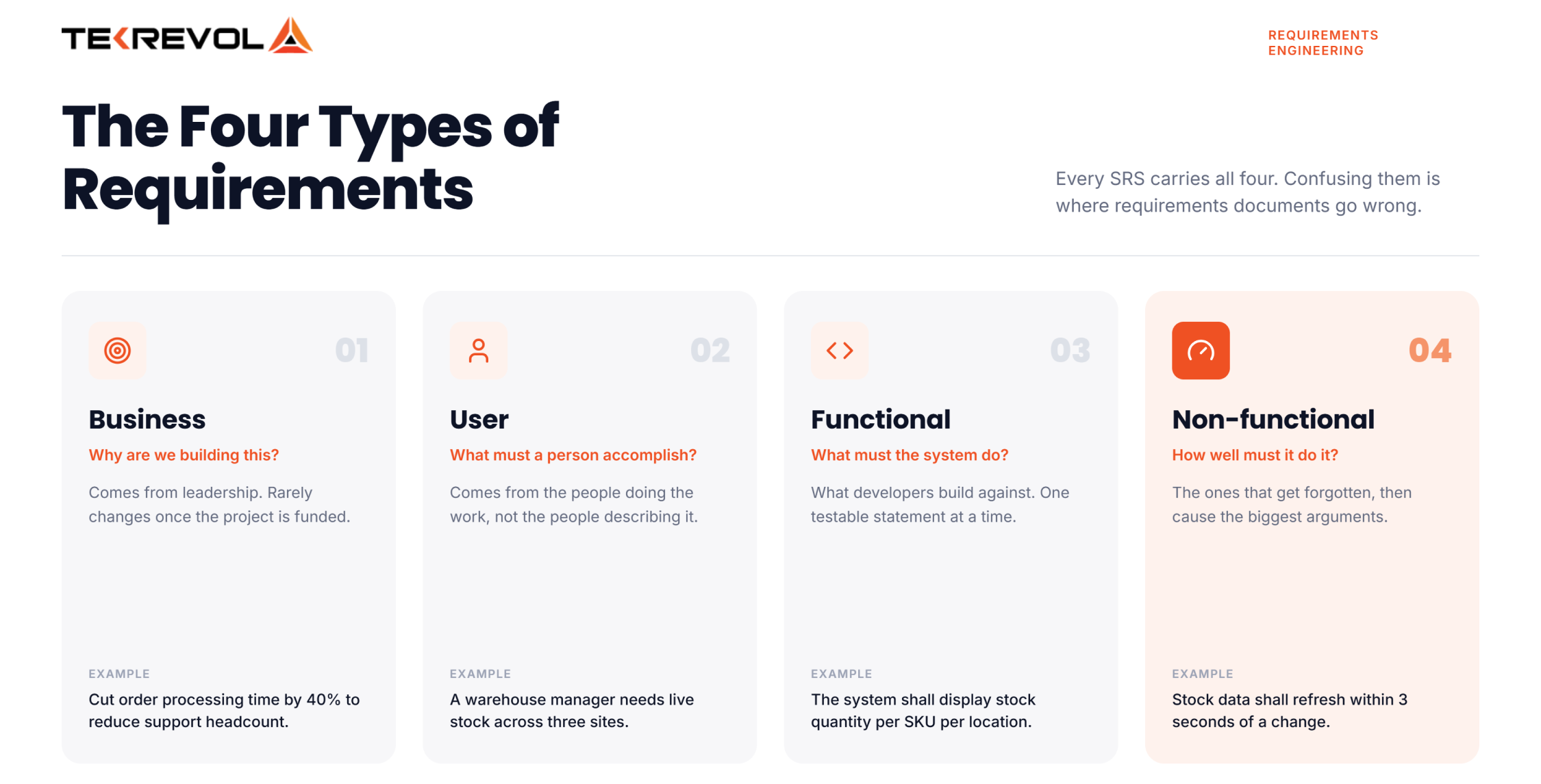
They sit at different levels of detail, and confusing them is where documents go wrong.
| Type | Question it answers | Example |
| Business | Why are we building this? | Cut order processing time by 40% to reduce support headcount |
| User | What must a person accomplish? | A warehouse manager needs to see live stock across three sites |
| Functional | What must the system do? | The system shall display current stock quantity per SKU per location |
| Non-functional | How well must it do it? | Stock data shall refresh within 3 seconds of a change |
- Business requirements come from leadership and rarely change.
- User requirements come from the people doing the work.
- Functional requirements are what developers build against.
- Non-functional requirements are what get forgotten and then cause the biggest arguments.
What Should a Software Requirements Specification Include?
A software requirements specification should include an introduction, an overall description, specific functional requirements, external interface requirements, non-functional requirements, and appendices. Each section answers a different question, and skipping any one creates ambiguity later.
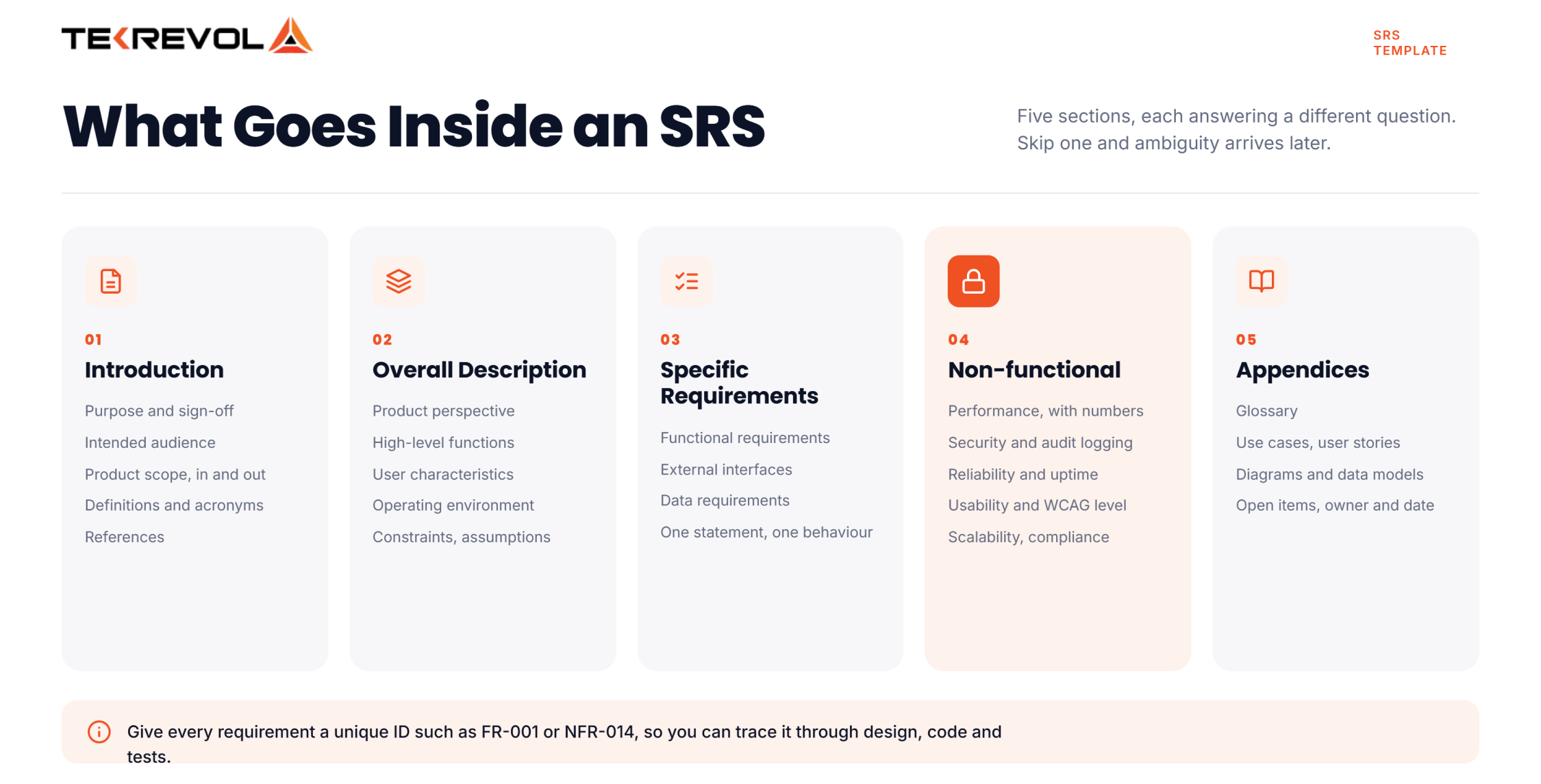
Here’s a complete template. Copy it, delete what doesn’t apply, and fill the rest.
1. Introduction
- 1.1 Purpose. What this document covers and who signs off on it.
- 1.2 Intended audience. Who reads it and which sections matter to them.
- 1.3 Product scope. What the software does, and explicitly what it does not do.
- 1.4 Definitions and acronyms. Every term that could be read two ways.
- 1.5 References. Related documents, standards, and contracts.
2. Overall description
- 2.1 Product perspective. Is this new, a replacement, or an addition to something existing?
- 2.2 Product functions. A high-level summary of major capabilities.
- 2.3 User characteristics. Who uses it, and what technical skill do they have?
- 2.4 Operating environment. Platforms, browsers, devices, and infrastructure.
- 2.5 Constraints. Regulatory, technical, budgetary, or contractual limits.
- 2.6 Assumptions and dependencies. What you’re taking as given, and what could break it.
3. Specific requirements
- 3.1 Functional requirements. What the system does, one testable statement at a time.
- 3.2 External interface requirements. User interfaces, hardware, software, and communications.
- 3.3 Data requirements. What gets stored, in what form, and for how long.
4. Non-functional requirements
- 4.1 Performance. Response times, throughput, and concurrent users, with numbers.
- 4.2 Security. Authentication, authorisation, encryption, and audit logging.
- 4.3 Reliability and availability. Uptime targets and recovery expectations.
- 4.4 Usability and accessibility. Standards to meet, such as WCAG level.
- 4.5 Scalability and maintainability. Growth expectations and support requirements.
- 4.6 Compliance. GDPR, HIPAA, PCI DSS, or whatever applies to you.
5. Appendices
- 5.1 Glossary. Every term, defined once.
- 5.2 Use cases or user stories. Narrative context for the requirements above.
- 5.3 Diagrams. Flows, wireframes, and data models.
- 5.4 Open items. Anything still to be decided, with an owner and a date.
Two practical notes. Give every requirement a unique ID (FR-001, NFR-014) so you can trace it through design, code, and tests. And keep section 5.4 honest, because a list of open questions is far safer than a document that pretends everything is settled.
Need this filled in properly, not guessed at?
Book your free scoping call with TekRevol. Our experts draft the structure with you.
Schedule Your Free ConsultationA Good Software Requirements Example
A good software requirement is specific, testable, and written as a single unambiguous statement. It uses “shall” for obligations, avoids vague adjectives, and includes a measurable threshold wherever performance or quality is involved.
The difference is easiest to see side by side.
| Weak requirement | Rewritten properly |
| The system should be fast. | The system shall return search results within 2 seconds for up to 500 concurrent users. |
| Users can manage their profile. | A registered user shall be able to edit their name, email, and phone number, and changes shall be saved within 1 second. |
| The app should be secure. | All passwords shall be hashed using bcrypt, and sessions shall expire after 30 minutes of inactivity. |
| The report should be easy to read. | The monthly report shall be exportable to PDF and CSV, and shall display totals for each of the six expense categories. |
| The system will handle lots of users. | The system shall support 10,000 concurrent users with response times under 3 seconds at the 95th percentile. |
Notice what changed. Every rewrite added a number, a condition, or both. Each one can now be turned into a test case by someone who wasn’t in the room.
Three habits that produce this consistently:
- Use “shall” for obligations. “Should” and “may” invite negotiation later. Keep them for genuine optionality.
- One requirement per statement. If a sentence contains “and” joining two behaviours, it’s two requirements.
- Delete vague adjectives. Fast, easy, intuitive, robust, and user-friendly mean nothing without a threshold behind them.
Standard Your Software Requirements Specification Should Follow
Your software requirements specification should follow ISO/IEC/IEEE 29148:2018, which is the current requirements engineering standard. Most SRS templates circulating online still copy the outline from IEEE 830-1998, a document that the IEEE Standards Association itself now formally lists as superseded.
The IEEE Standards Association’s own page for IEEE 830-1998 states plainly that it was “Superseded by ISO/IEC/IEEE 29148:2011.”
That replacement has itself been revised since. The current edition is ISO/IEC/IEEE 29148:2018, titled “Systems and software engineering, Life cycle processes, Requirements engineering,” published in November 2018.
| IEEE 830-1998 | ISO/IEC/IEEE 29148:2018 | |
| Status | Superseded | Current |
| Structure | One document, three sections | Three specifications: stakeholder, system, software |
| Scope | Software requirements only | Requirements across the full life cycle |
| Verification | Not integrated | Verification section runs parallel to requirements |
| Aligns with | Standalone | ISO/IEC/IEEE 15288 and 12207 |
The practical difference: 29148 separates requirements by level of abstraction rather than cramming stakeholder needs and technical specifics into one document. It also builds verification in, so every requirement carries the question of how you’ll prove it was met.
Does this mean the IEEE 830 outline is useless?
No. It’s a perfectly reasonable structure, and the template above draws on it, because it’s familiar to everyone. But if you work in a regulated sector, or someone asks which standard you conform to, quoting a document withdrawn in 2011 is not the answer you want to give.
What Is the Difference Between BRD, FRD, and SRS?
The difference between BRD, FRD, and SRS is scope and audience.
A BRD (Business Requirements Document) explains why the project exists in business terms. An SRS (Software Requirements Specification) defines what the software must do and how well, and on most teams, the business analyst owns that translation. An FRD (Functional Requirements Document) details exactly how the system behaves function by function.
They’re sequential, not alternatives.
| BRD | SRS | FRD | |
| Answers | Why are we doing this? | What must the software do? | How does each function behave? |
| Written by | Business analyst, stakeholders | Business analyst with technical input | Business analyst or systems analyst |
| Read by | Executives, sponsors | Developers, QA, client | Developers, QA |
| Contains | Objectives, scope, success metrics, ROI | Functional and non-functional requirements | Detailed behaviour, rules, field-level logic |
| Detail level | High | Medium to high | Highest |
How Do You Write a Software Requirements Specification?
Write a software requirements specification in six steps: gather requirements from stakeholders, organise them by type, write each as a testable statement, review with both business and technical readers, get formal sign-off, then version it as things change.
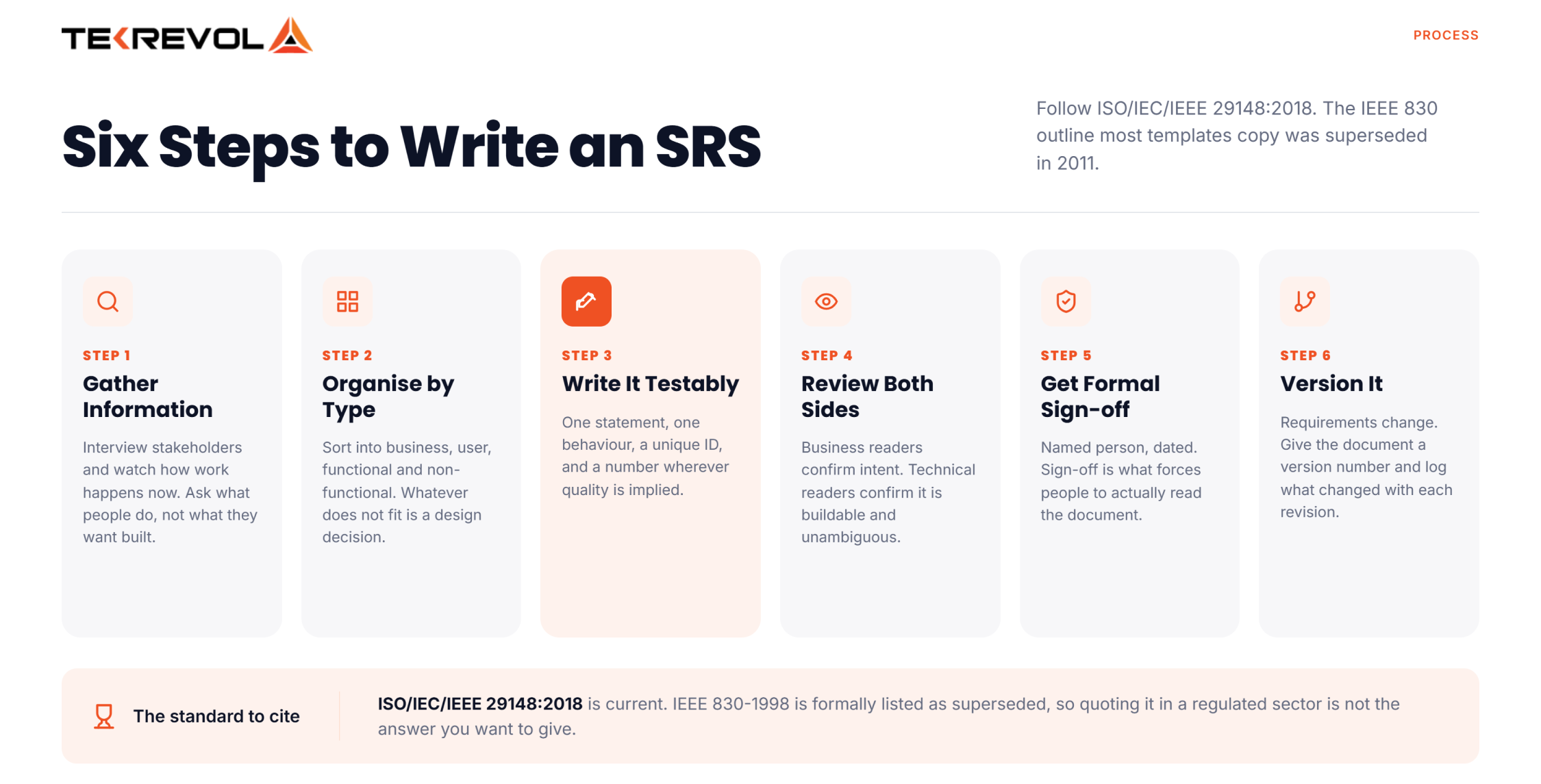
Step 1: Gather Information
Interview stakeholders, observe how work happens today, and review any existing system. Ask what people do, not what they want built. Users describe solutions, and your job is to find the problem underneath.
Step 2: Organise by Type
Sort everything into business, user, functional, and non-functional. Anything that doesn’t fit is usually a design decision that snuck in, or a wish nobody owns.
Step 3: Write Each Requirement Testably
One statement, one behaviour, a unique ID, and a number wherever quality or performance is implied. Use the weak-versus-rewritten table above as your check.
Step 4: Review With Both Sides
Business readers confirm it’s what they meant. Technical readers confirm it’s buildable and unambiguous. Doing only one of these is how documents get signed and then argued about.
Step 5: Get Formal Sign-off
Named person, dated. Not because you want a paper trail to win arguments, but because sign-off forces people to actually read it.
Step 6: Version it
Requirements change. That’s normal and fine. What isn’t fine is changing them silently, so give the document a version number and log what changed with each revision. This is also what makes software development cost conversations straightforward rather than adversarial.
What Mistakes Make an SRS Useless?
The mistakes that make an SRS useless are vague language, mixing requirements with design decisions, omitting non-functional requirements, and writing it once then never updating it. A document nobody maintains stops being a reference and becomes a liability.
Six we see repeatedly:
- Untestable statements: If QA can’t turn it into a test case, it isn’t a requirement. This is the single fastest quality check available.
- Design decisions disguised as requirements: “The system shall use PostgreSQL” is a design choice unless something genuinely mandates it. Specify the need, let engineers pick the tool.
- Missing non-functional requirements: Teams document features thoroughly and skip performance, security, and availability entirely. Those absences surface at load testing.
- Ambiguous words: Fast, simple, seamless, robust, and intuitive are the usual suspects. Each one means something different to every reader.
- Writing it once: An SRS that reflects month one of a nine-month project is worse than none, because people trust it and it’s wrong, and shifting requirements stall more builds than any other single cause.
- No traceability: Without IDs linking requirements to tests and code, nobody can answer whether a requirement was actually delivered. That question always gets asked eventually.
Why Choose TekRevol for Software Development?
As a custom software development company, TekRevol follows all the practices we’ve discussed, starting with requirements. We don’t begin building until what “done” means is written down, testable, and signed off by whoever owns the budget.
Here’s what our requirements work involves.
| What we do | Why it matters |
| Structured discovery | We interview your users, not just your stakeholders, so requirements reflect actual work |
| Testable statements only | Every requirement gets a number and an ID, so QA can verify it later |
| Non-functional requirements upfront | Performance, security, and compliance defined before architecture, not after load testing |
| Written change requests | Scope changes get a cost and a date attached at the moment they’re raised |
| Versioned documentation | The SRS stays current through the build, so it’s still useful at handover |
Two things worth knowing.
- We’ll tell you when the brief isn’t ready: A vague brief produces a vague estimate, and we’d rather spend a week getting it right than six months discovering the gaps. That conversation happens before you sign, not after.
- You keep the documentation: The SRS, the decisions, and the reasoning are yours. If you take the project in-house or bring in another team later, they inherit a document that means something.
We’ve run this process across 800+ projects in 11 industries, including regulated sectors where requirements carry compliance weight from day one.
Got a brief that needs turning into a real spec?
Send it over. Free review, honest feedback.
Let's Connect!


![Choosing the Right Application Development Software [Detailed Guide]](https://d3r5yd0374231.cloudfront.net/images-tek/uploads/2025/03/app-development-software-detailed-guide-400x268.jpg)


